
Why Your Miami Home's Wireless Security Cameras Keep Failing (And How We Fix It)
You mounted a wireless camera above your garage door. The video feed freezes whenever your kids start streaming Netflix. The motion alerts trigger for every passing car. And last week, the camera went offline for three hours because your Wi-Fi router needed a reset. Our security camera installation and home security system installation services replace unreliable wireless systems with wired solutions that work. We install PoE (Power over Ethernet) cameras that get power and data through a single Cat6 cable — no Wi-Fi interference, no dead batteries, no jamming vulnerabilities. For Miami homeowners who want the convenience of wireless doorbells, we integrate Ring or Nest cameras into a hybrid system while using wired exterior security cameras for critical coverage areas.
Five Security Camera Problems We Solve
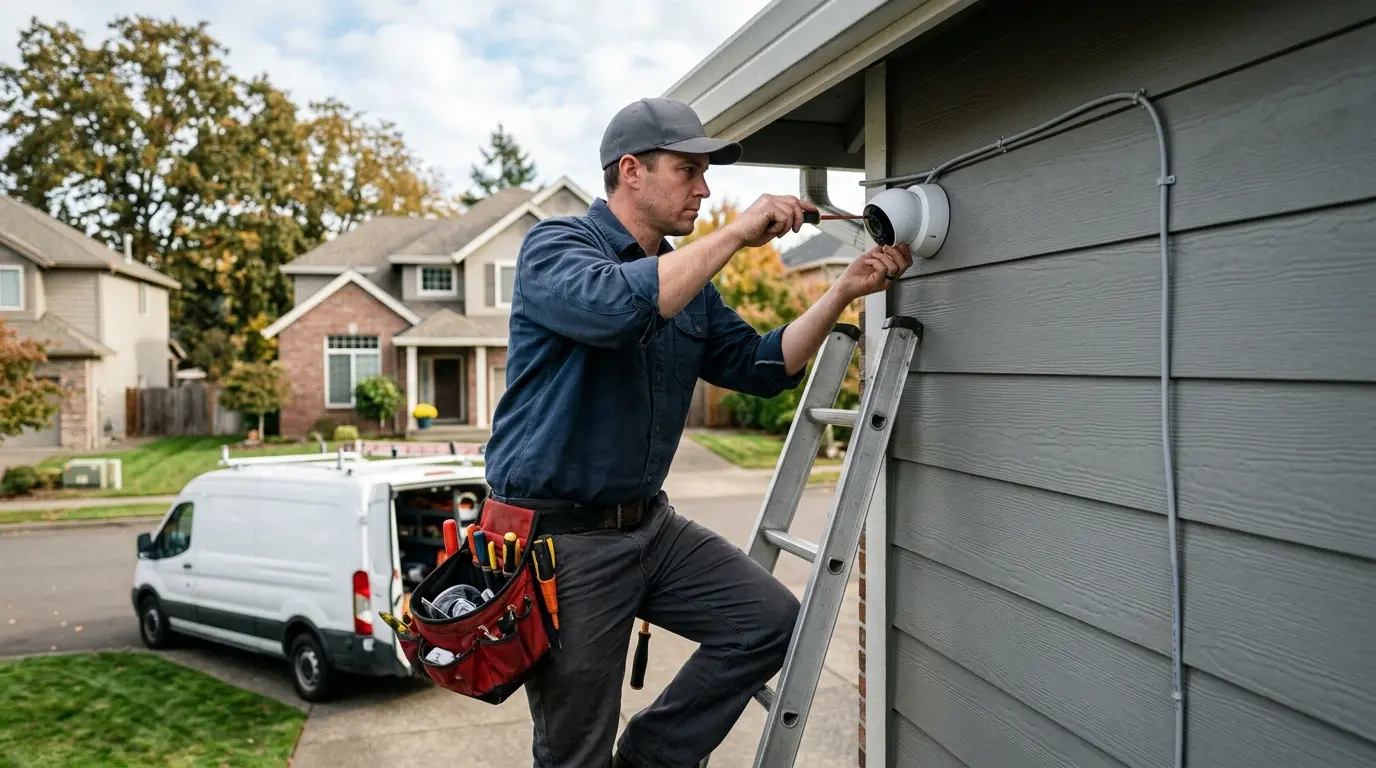
First, poor night vision range — cameras mounted too high or too low. We position exterior security cameras at 8-10 feet, angled downward, with infrared illuminators that reach 100+ feet. Second, false motion alerts from trees, animals, and headlights. We configure motion detection zones using the camera's software, masking out streets, driveways, and neighbor windows. Third, cloud storage monthly fees that add up. We set up NVR vs DVR systems with local storage — you pay once, no subscription. Fourth, complicated NVR vs DVR setup that homeowners cannot manage. We pre-configure the recorder, label every camera port, and teach you the mobile app in 15 minutes. Fifth, doorbell camera installation that fails because the existing transformer is too weak (16V needed, but old houses often have 10V). We test the transformer and replace it if necessary — 30-minute fix.
Our security system installation process in Miami prioritizes reliability and usability:
- Site survey to identify camera locations covering all entry points, driveways, and blind spots
- PoE (Power over Ethernet) cable running from your network switch or router to each camera location (no separate power adapters)
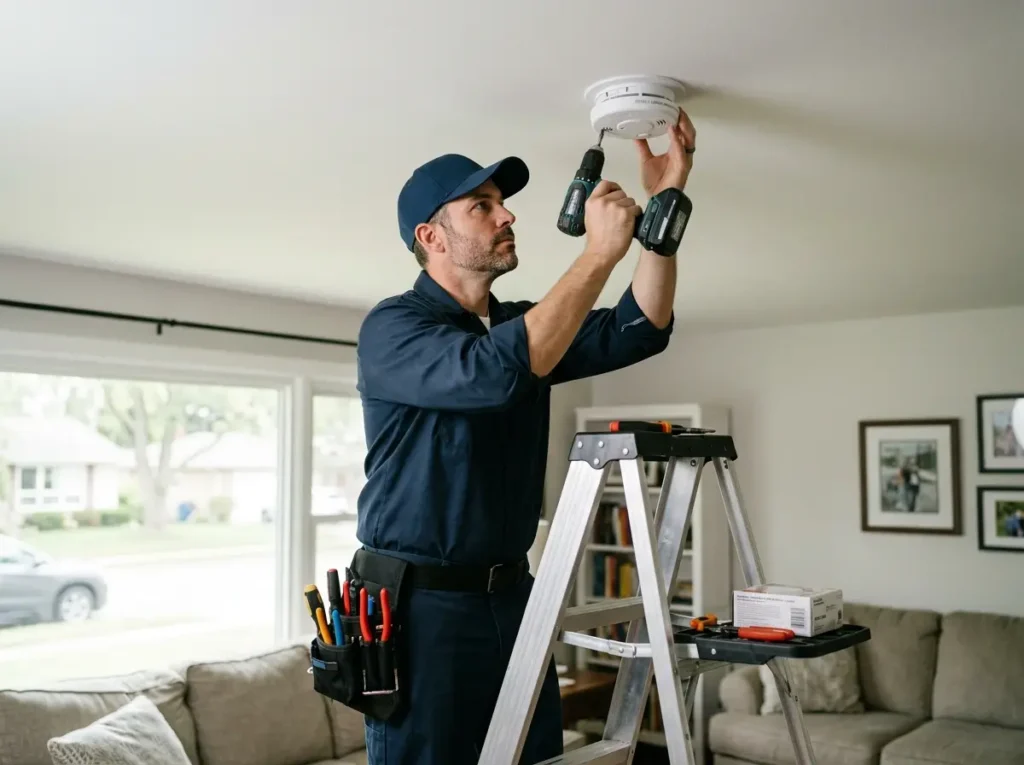
- Doorbell camera installation including transformer upgrade if needed for stable power delivery
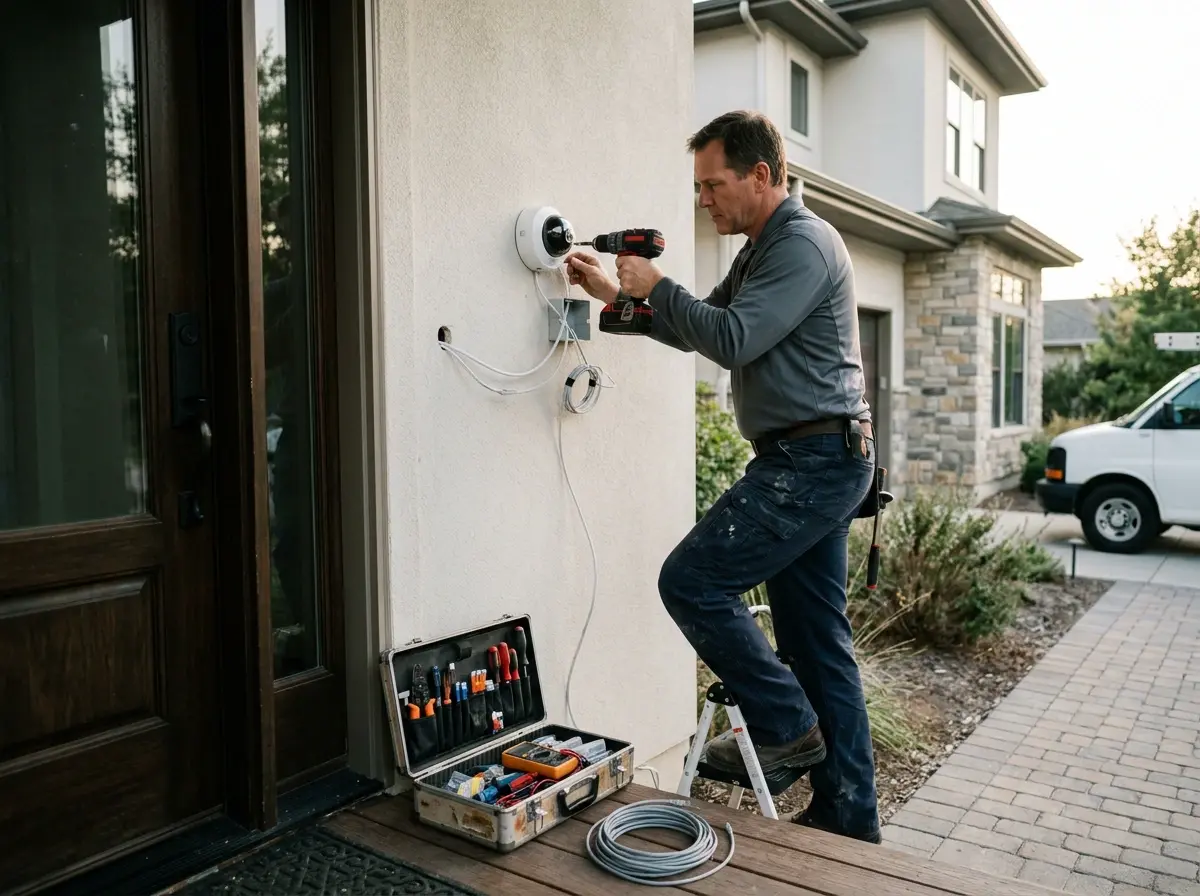
- Exterior security cameras mounted under eaves, on siding, or on junction boxes with weatherproof seals
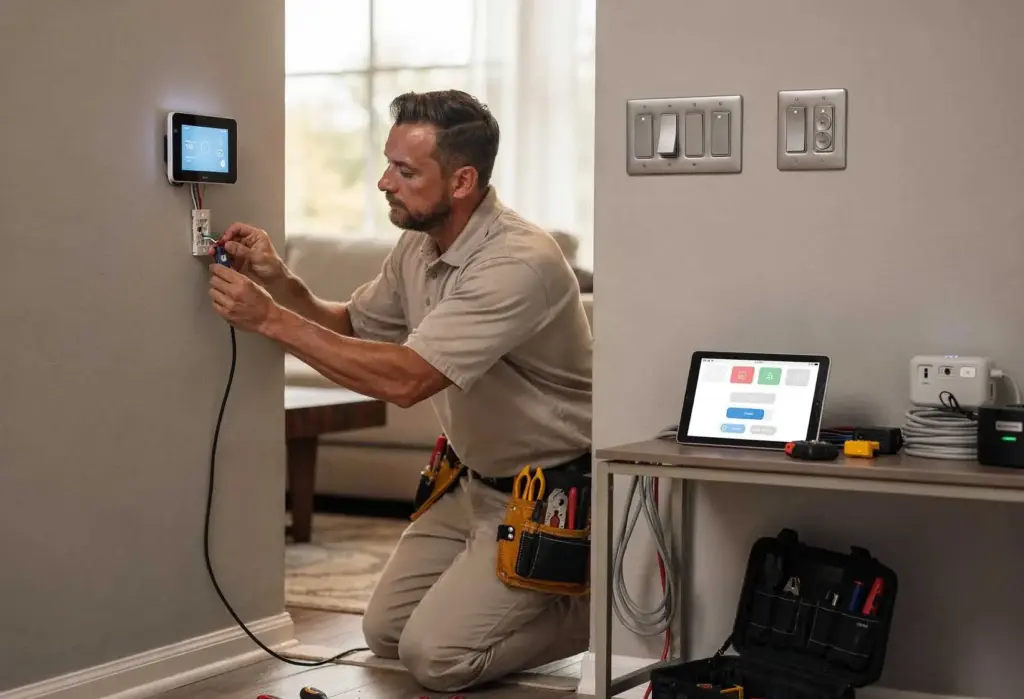
- Wired security system installation with sensors on doors and windows connected to a central panel
- NVR vs DVR recommendation and setup — NVR for PoE IP cameras, DVR for analog (we strongly recommend NVR)
- Night vision range verification and motion detection zone programming to eliminate false alerts
- Cloud vs local storage configuration based on your budget and retention needs
How Long Does Security Camera Installation Take?
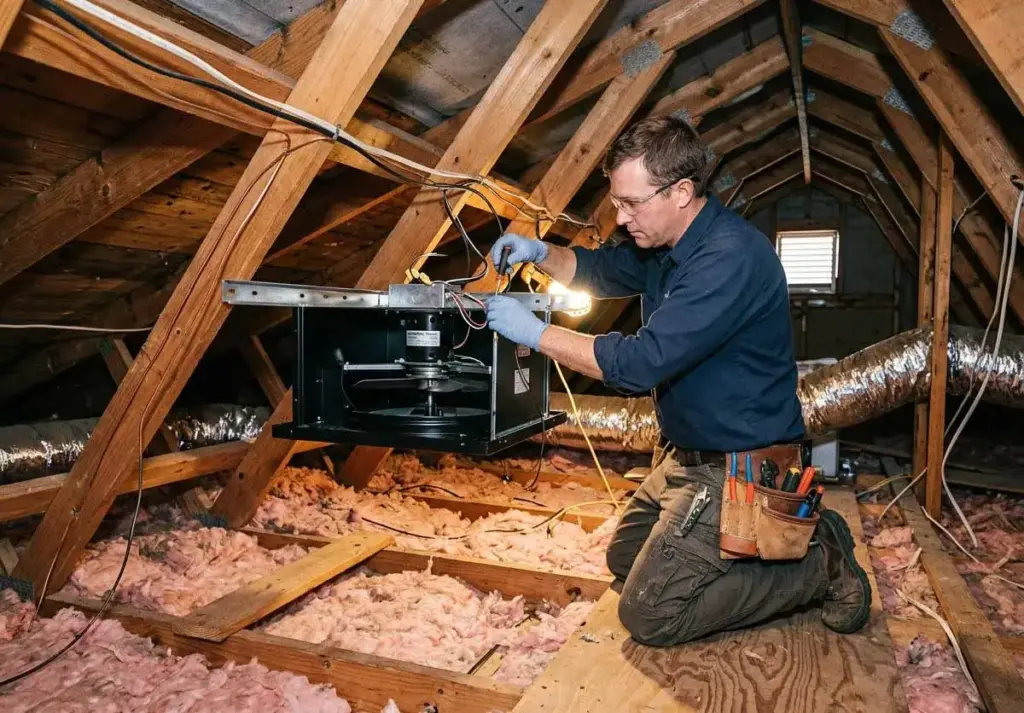
A single doorbell camera installation where the existing transformer provides adequate power takes 1 to 1.5 hours. We remove the old doorbell, check voltage (needs 16-24V AC), mount the new camera, connect to your Wi-Fi, and configure the app. If the transformer needs replacement (common in Miami homes built before 1990), add 30-45 minutes. Two to four exterior security cameras with PoE cabling through an attic or crawlspace takes 3 to 5 hours, depending on attic accessibility and distance from the network switch. A complete home security system installation with four PoE cameras and six door/window sensors takes 5 to 7 hours for a standard 2,000 square foot home. This includes running all Cat6 cables, mounting cameras, installing sensors, setting up the NVR, and configuring motion detection zones. A wireless system with battery-powered cameras (Ring, Arlo, Blink) takes 2 to 3 hours — faster to install but less reliable, and batteries need changing every 3-6 months. The most time-consuming scenario in Miami is retrofitting PoE cameras into a finished home with no attic access. We must fish Cat6 cables through walls, cutting small access holes, and patch afterward — add 1-2 hours per camera. We always provide a flat-rate quote for standard installations and an hourly rate for difficult cable fishing, with a cap so you never get a surprise bill.

Why PoE Cameras Beat Wi-Fi for Security (And Why NVR Is Better Than DVR)
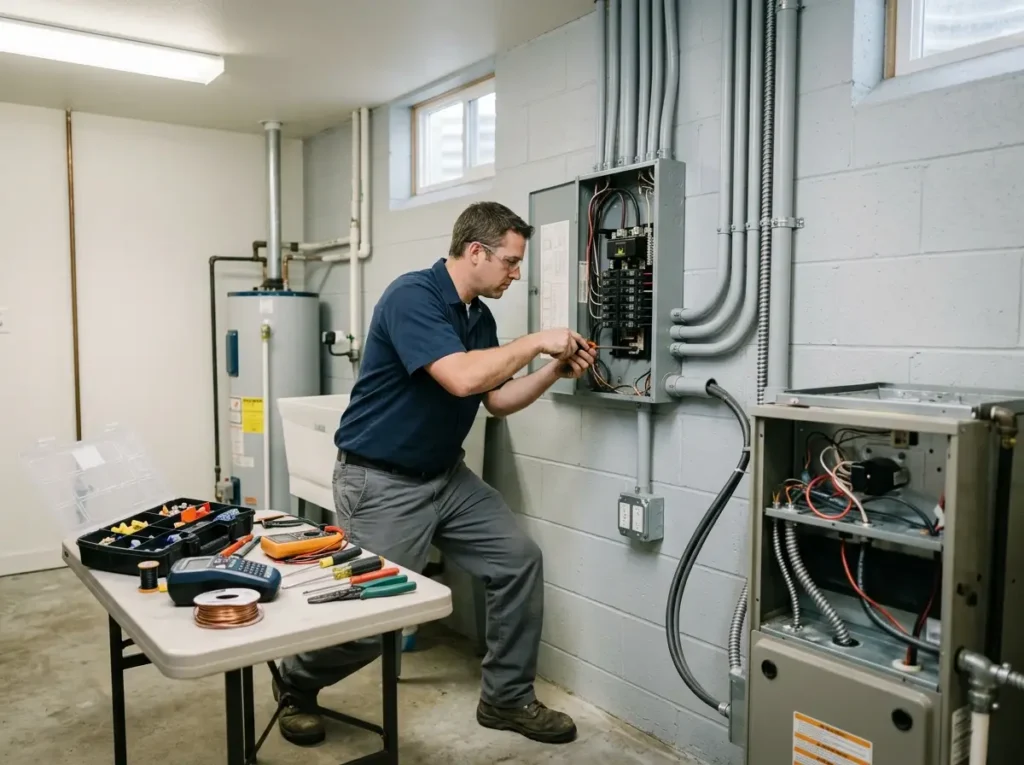
Wi-Fi cameras seem convenient until your network gets congested. Each 4K camera uses 10-20 Mbps of bandwidth. Four cameras use 80 Mbps — half of many home internet plans. Your video doorbell, your kids' gaming, and your Zoom calls all compete. The result: pixelated video, dropped frames, and missed events. PoE (Power over Ethernet) cameras use a separate network switch that does not touch your internet bandwidth. The video data stays on your local network, traveling directly to the NVR. Even if your internet goes down, the cameras still record. For NVR vs DVR: DVRs use analog cameras (coaxial cable, lower resolution, requires separate power). NVRs use IP cameras (Cat5e/Cat6 cable, PoE power+data, higher resolution, software-based motion detection). We recommend NVR for any new installation. For night vision range, infrared LEDs illuminate up to 100-150 feet in complete darkness. But placement matters: mounting too high loses ground detail; mounting too low lets people disable cameras. We mount exterior security cameras at 8-10 feet — high enough to avoid tampering, low enough to capture faces. For motion detection zones, we use the camera's software to draw exclusion zones. The driveway needs detection; the street does not. The front walk needs detection; the neighbor's yard does not. We spend 15 minutes per camera fine-tuning zones. For cloud vs local storage: cloud costs $5-15 per camera per month and stores video off-site (safe from theft but requires internet). Local NVR storage costs a one-time $300-500 for a 2TB drive storing 30 days of footage from 4 cameras. We help you decide based on your budget and risk profile. For doorbell camera installation, we test the existing transformer's voltage with a multimeter. Most smart doorbells require 16-24V AC, 30-40VA. Old doorbell transformers are often 10V, 5VA — insufficient. We replace with a 16V, 30VA unit, mounting it in the basement or garage near the existing doorbell chime. Every security system installation we complete includes a written handoff: IP addresses of every PoE camera, login credentials for the NVR, backup of the configuration, and a labeled network switch. We also provide a one-page "false alert troubleshooting guide" so you can fine-tune motion detection zones yourself as seasons change.
Call our security team in Miami for a PoE camera installation that works when the Wi-Fi doesn't. Your home deserves reliable eyes, not spotty video.