
When the Internet Goes Down, Your Ocoee Smart Home Should Stay Smart
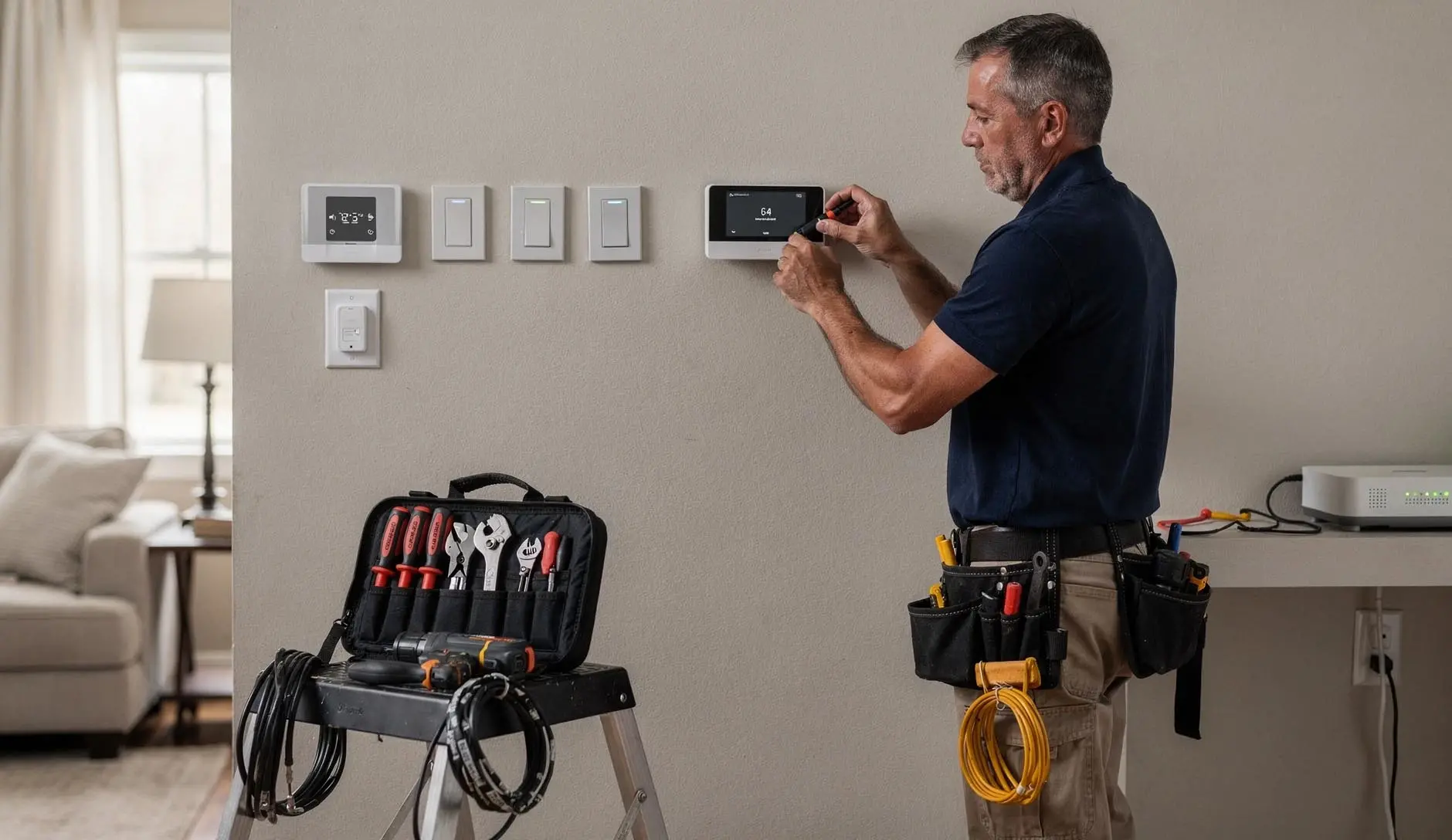
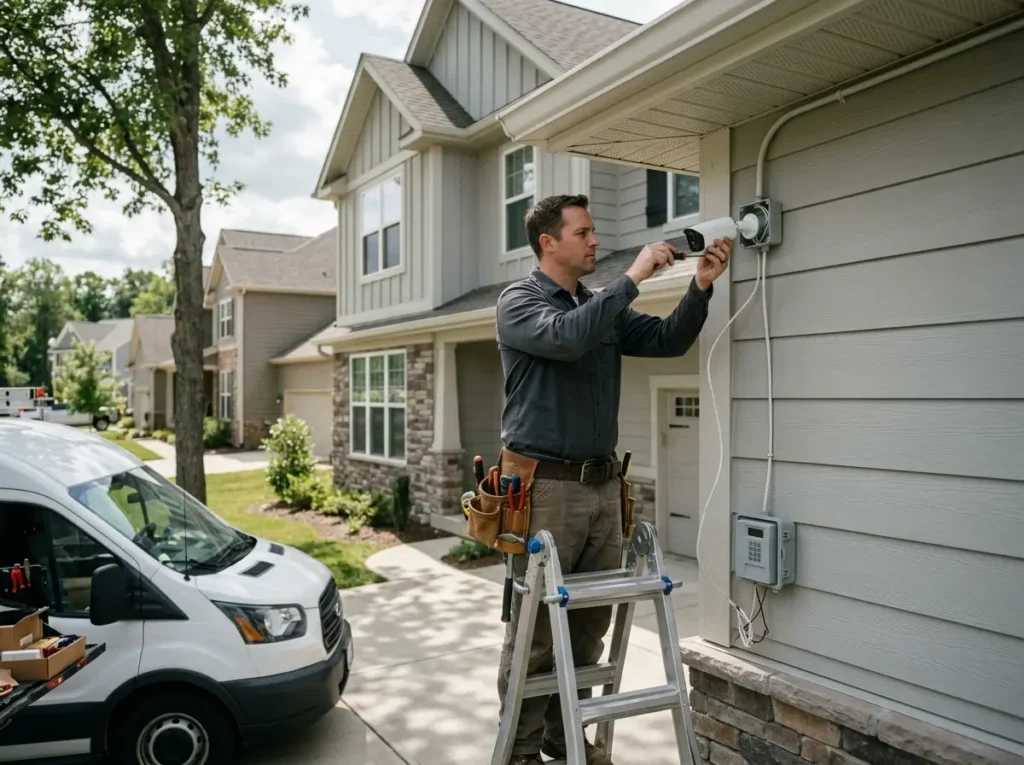
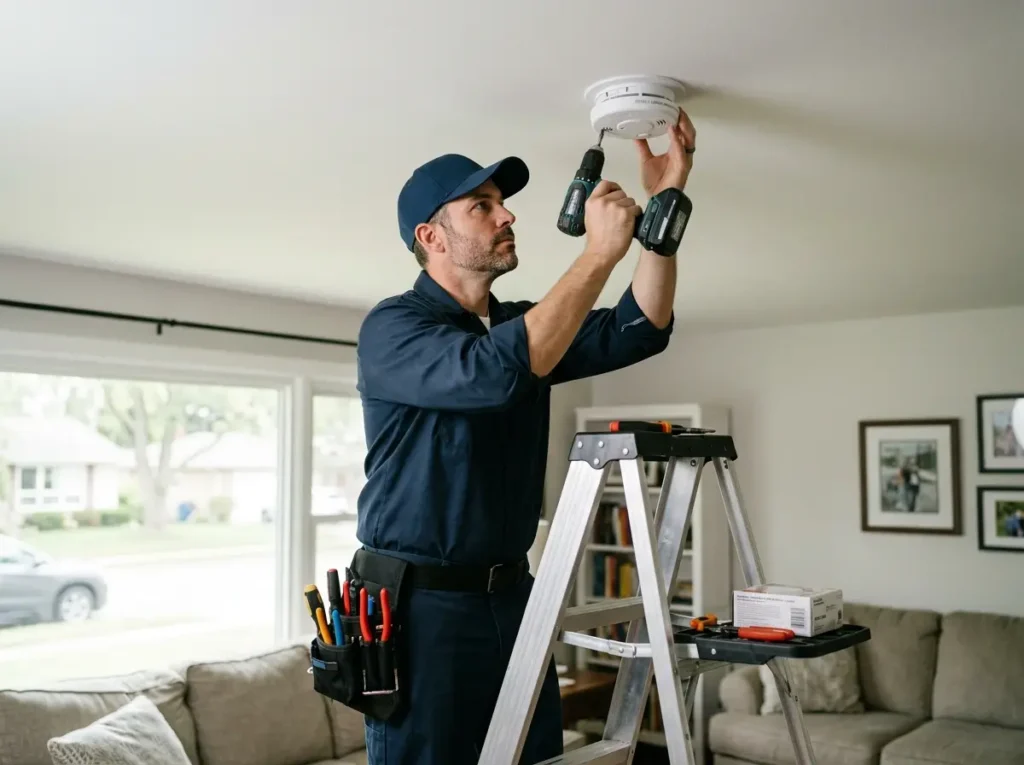
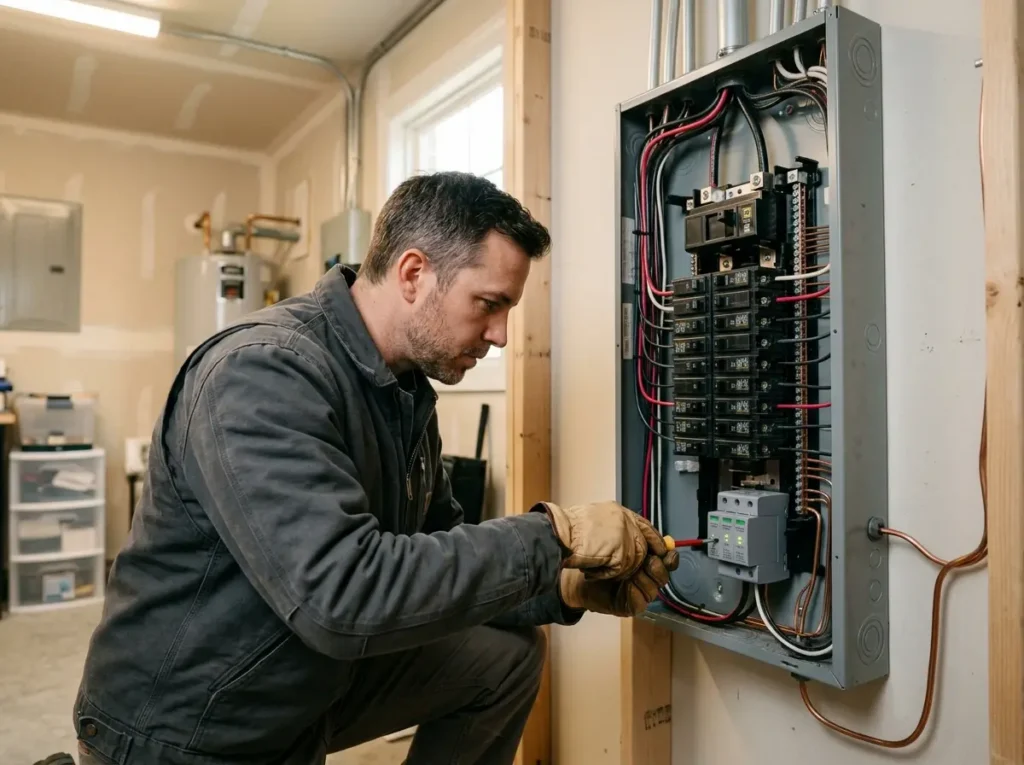
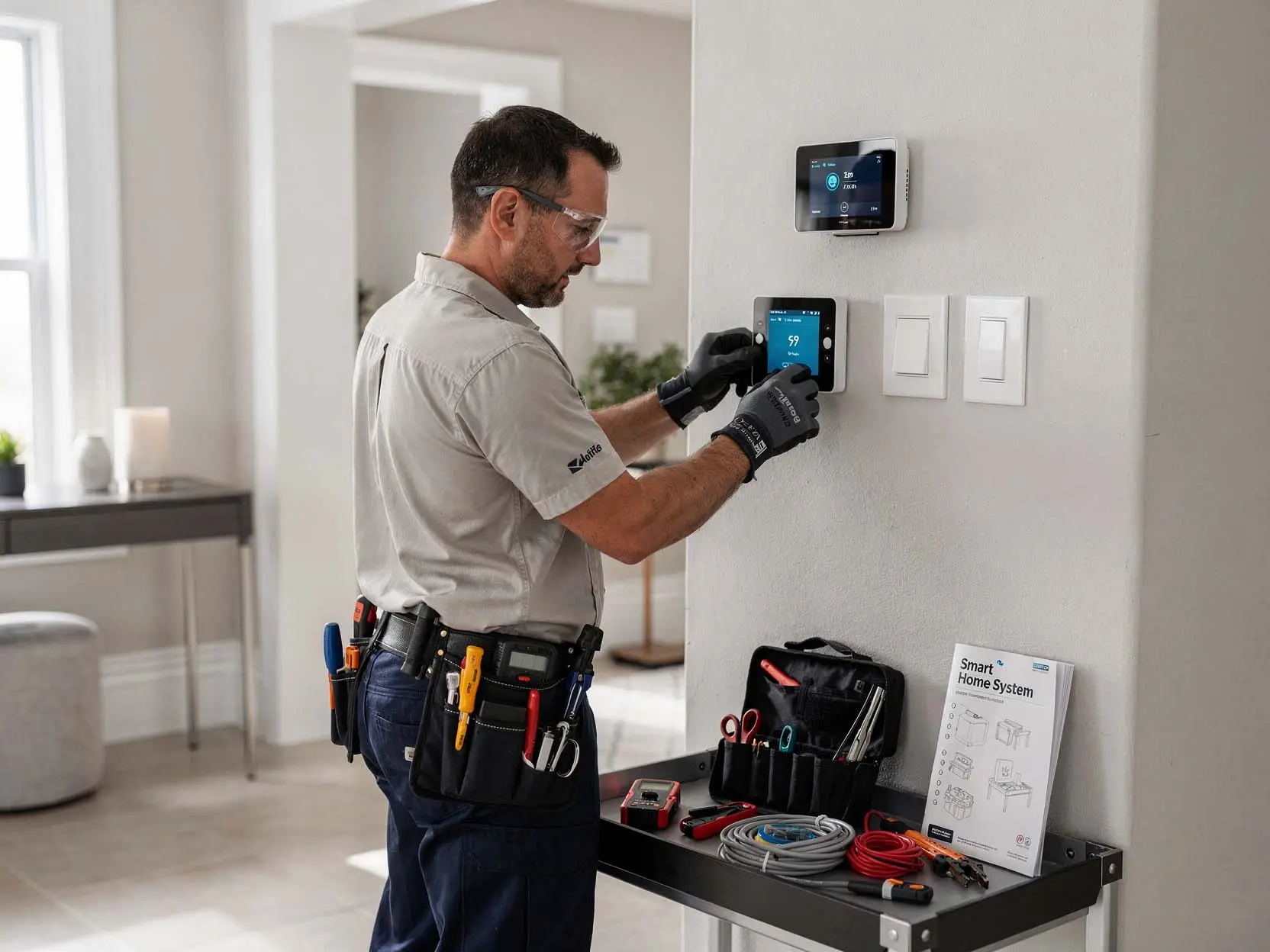
You have spent thousands on smart bulbs, plugs, thermostats, and cameras. Then your internet goes out — and suddenly your "smart" home becomes a collection of dumb devices you cannot control from your phone. Our smart home installation and home automation electrician services prioritize local control. We design whole home smart systems around hub vs hubless architectures that keep working when Comcast fails. Using Z-Wave / Zigbee protocols that do not depend on cloud servers, we build a home that responds instantly — even with no internet connection. For Ocoee homeowners with older wiring, we install retrofit smart devices that work without neutral wires and set up smart thermostat wiring that adds C-wire / common wire without destroying your walls.
Five Automation Architectures We Install in Ocoee Homes
Architecture one: budget-friendly Wi-Fi. Best for renters or small apartments, but suffers from congestion and cloud dependency. Architecture two: Lutron Caseta for lighting — best-in-class no-neutral dimmers, but needs a separate hub and does not integrate non-lighting devices. Architecture three: SmartThings hub with Z-Wave / Zigbee devices — good balance of cost and local control, works with Alexa/Google. Architecture four: Hubitat — fully local, no cloud, complex scene programming, ideal for tinkerers. Architecture five: Home Assistant on Raspberry Pi or NUC — most powerful, completely local, integrates 2,000+ brands, but requires technical maintenance. We help Ocoee homeowners choose based on their budget, technical comfort, and desire for local control. We then handle smart light switch installation, smart thermostat wiring, sensor placement, and scene programming for their chosen platform.
Our home automation process in Ocoee focuses on reliability and user experience:
- Network assessment — we test your Wi-Fi signal strength in every room, identify interference sources
- Protocol selection — Z-Wave / Zigbee / Wi-Fi / Thread / Matter based on your device count and automation complexity
- Hub vs hubless recommendation — we show you three options with pros, cons, and total cost
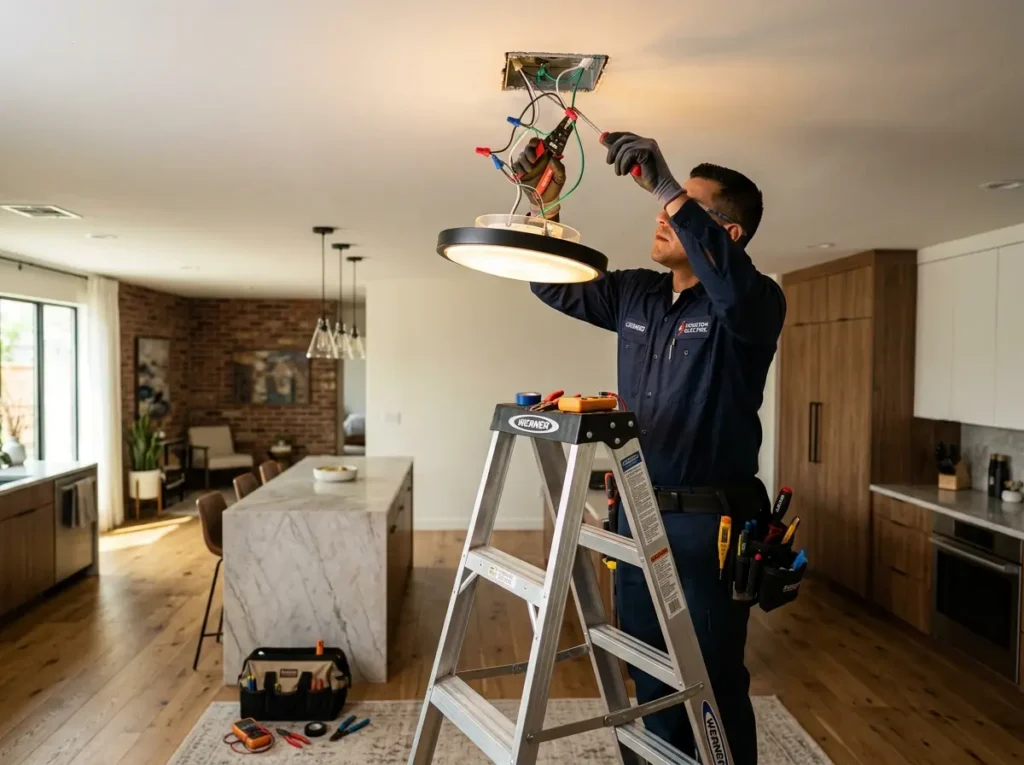
- Retrofit smart devices installation — no-neutral switches, wireless relays, battery-powered sensors
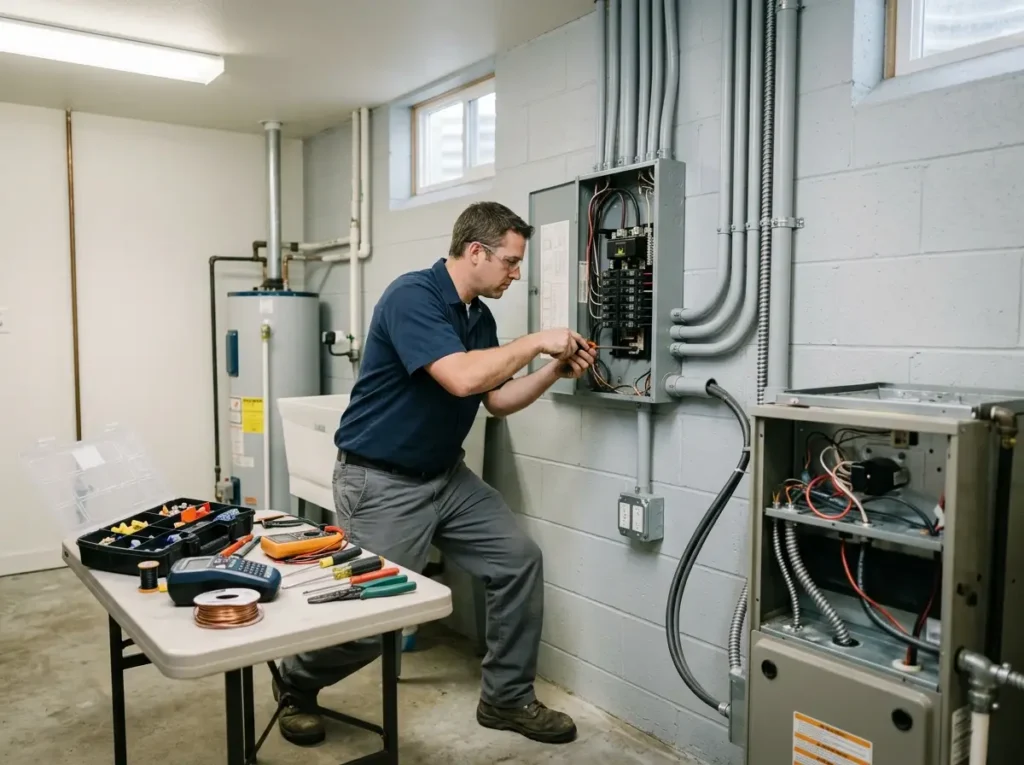
- Smart thermostat wiring — C-wire / common wire installation via add-a-wire or new thermostat cable
- Z-Wave / Zigbee mesh optimization — we position repeaters to ensure reliable coverage to every device
- Scene programming — we build automations that actually match your daily routines (not generic templates)
How Long Does Whole Home Smart System Installation Take?
A basic smart home installation with voice assistant integration (5-10 smart lights, 1 thermostat, 2-3 plugs) takes 3 to 5 hours. We install devices, connect to Wi-Fi, configure Alexa/Google voice commands, and test. A mid-level system with 10-20 smart switches, 2 thermostats, door sensors, and a hub (SmartThings or Hubitat) takes 6 to 10 hours spread across 1-2 days. A whole home smart system with 30+ devices, Z-Wave / Zigbee mesh, custom scene programming, and security integration takes 2 to 3 full days. Day one: install all switches, thermostats, and sensors. Day two: build the Z-Wave / Zigbee mesh, add repeaters, pair all devices. Day three: scene programming, voice assistant integration, client training, and troubleshooting any interference. If your Ocoee home has no neutral wires anywhere (common in pre-1970s construction), each smart light switch installation takes 60-90 minutes instead of 30 minutes — so a 20-switch whole home smart system takes 20-30 hours (2.5-4 days). If we are also running C-wire / common wire for smart thermostats through finished walls, add 3-5 hours per thermostat. For clients who already own a mix of Z-Wave and Zigbee devices, we spend 1-3 hours just reconciling protocols — sometimes replacing incompatible devices rather than forcing them to work together. The most time-consuming scenario is a Ocoee home with thick plaster walls (common in historic districts) that block Z-Wave / Zigbee signals. We must install multiple repeaters: every 30-40 feet versus the usual 100 feet. We also test signal strength before mounting final devices, occasionally relocating hubs or repeaters multiple times. We always provide a flat-rate quote based on device count and estimated installation time, plus an hourly rate for troubleshooting if signal issues require unexpected repeater placement.
Why Z-Wave and Zigbee Are Superior to Wi-Fi for Whole Home Smart Systems
Wi-Fi was designed for high-bandwidth applications: streaming video, web browsing, file downloads. It was never designed for 40 low-bandwidth sensors all reporting simultaneously. When your network has 40 Wi-Fi devices, they compete for airtime. Your router can only talk to one device at a time. Latency increases. Packets drop. Commands take 2-3 seconds. Z-Wave and Zigbee solve this. Z-Wave operates at 908.42 MHz — far from crowded 2.4 GHz Wi-Fi channels. Zigbee operates at 2.4 GHz but uses a mesh protocol that routes messages through neighboring devices, reducing load on any single node. Both create a mesh network: each powered device (light switch, plug-in module, repeater) relays signals for battery-powered sensors (door/window, motion, leak). A well-designed Z-Wave / Zigbee mesh routes around interference, self-heals when devices are removed, and responds in milliseconds. For hub vs hubless, we strongly recommend hub-based for any home with more than 15 smart devices. The hub handles all Z-Wave / Zigbee coordination locally (no internet required), exposes devices to Alexa/Google over your local network, and provides scene programming that runs even when Comcast fails. Hubitat is our preferred hub: under $150, no subscription, full local control, supports both Z-Wave and Zigbee in one device. For retrofit smart devices in homes with no neutral wires, Lutron Caseta remains the gold standard. Their dimmers work without neutral by passing a small current through the bulb — works with LED, incandescent, and halogen. For smart thermostat wiring without C-wire / common wire, the Ecobee comes with a Power Extender Kit (PEK) that installs at the furnace control board, using the existing wires to carry both signals and common. For homes with 2-wire heat-only systems (common in old Ocoee radiators), we install a 24V transformer at the thermostat location — adding $50 in parts and 1-2 hours of labor. For scene programming, we build automations that feel magical because they are contextual, not just timers. Example: "Leave Home" triggers only when all family members' phones have left the geofence AND no motion detected for 10 minutes AND it is between 9 AM and 9 PM. "Return Home" triggers when the first person arrives AND the garage door opens OR door unlocks. "Goodnight" requires manually invoking (to avoid false triggers from pets), but then arms security, locks doors, turns off all lights except nightlights, and sets thermostat to sleep temperature. Every smart home installation we complete includes a remote maintenance plan: we can log into your hub (with your permission) to troubleshoot, add new devices, or modify scenes remotely. We also provide a handoff document with all device locations, Z-Wave/Zigbee network keys, hub login credentials (changeable by you), and a wiring diagram of your C-wire / common wire solutions.
Call our home automation electricians in Ocoee for a system that works when the internet is up — and when it is down. Your home should serve you, not the cloud.